 AgendaFuse
Now, next, and free time
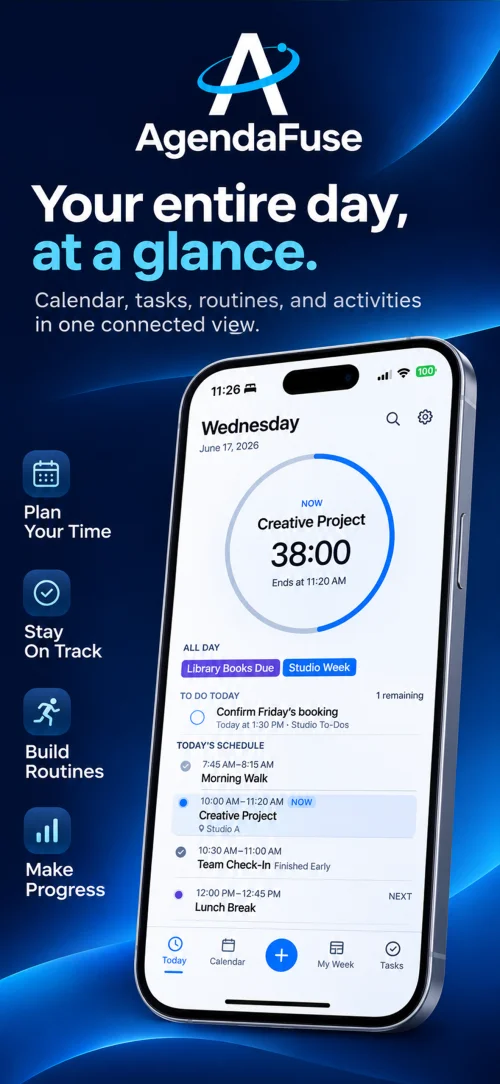
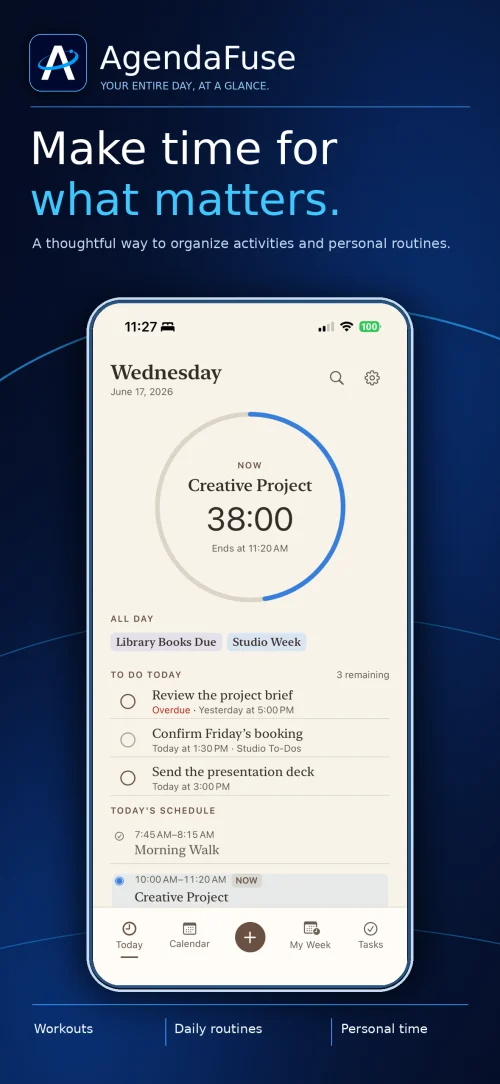
Follow a live countdown for the activity you’re in or the one coming up. See open time between scheduled blocks so you can decide what fits.
For iPhone & Apple Watch
See what’s happening now, what’s up next, and where you have room in your day. Your calendars, tasks, and routines, together in one view.
Version 1.0 will be available after launch.
Today
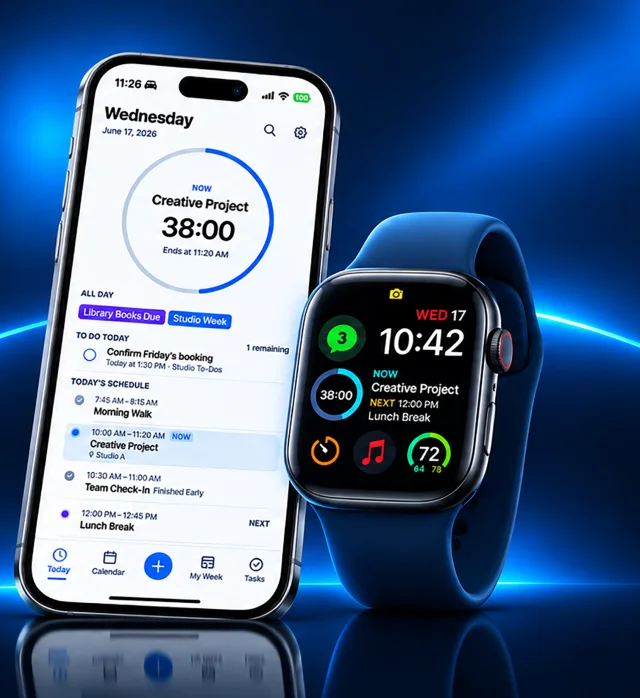
Today keeps the current activity, the next thing on your schedule, and your to-dos within easy reach.
Follow a live countdown for the activity you’re in or the one coming up. See open time between scheduled blocks so you can decide what fits.
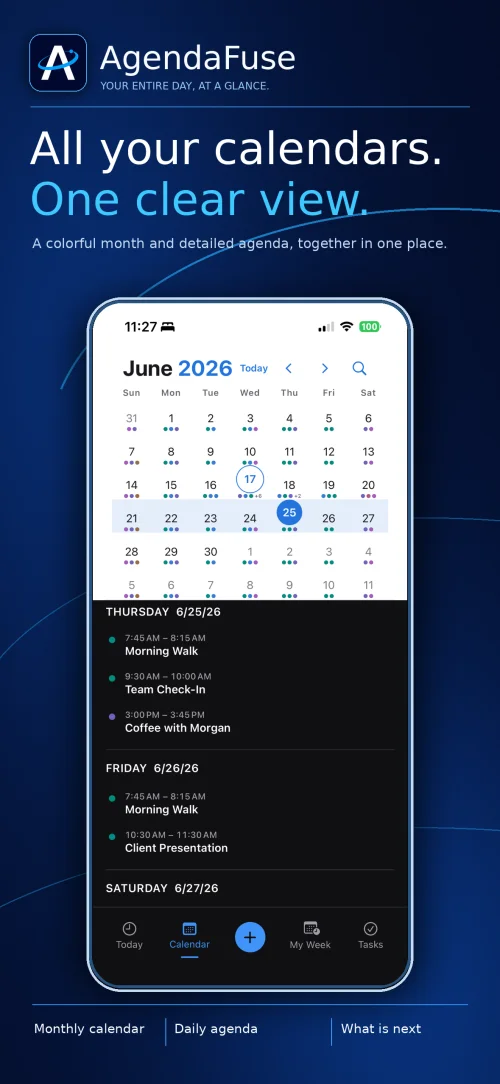
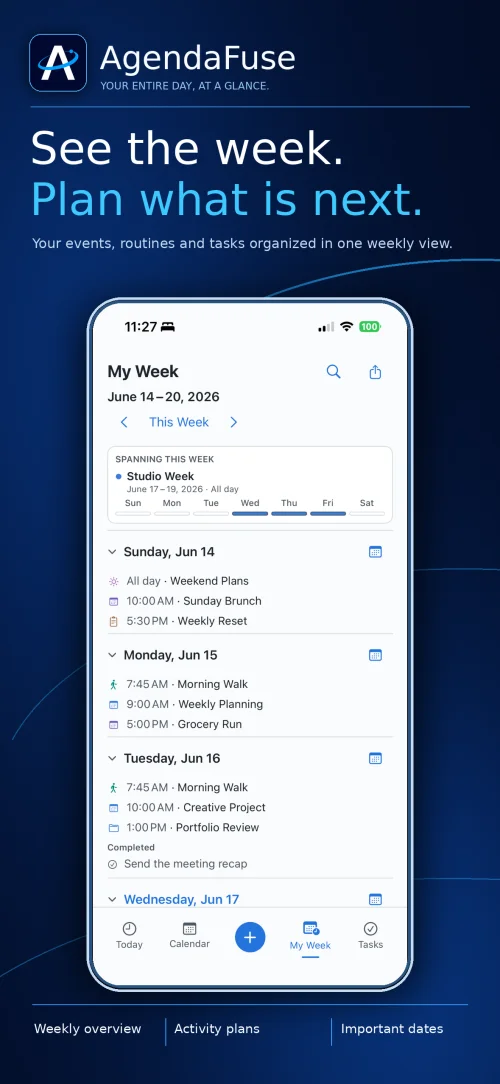
Choose which Apple calendars to show, import an ICS file, or subscribe to a calendar feed. Browse the month or see what’s ahead in My Week.
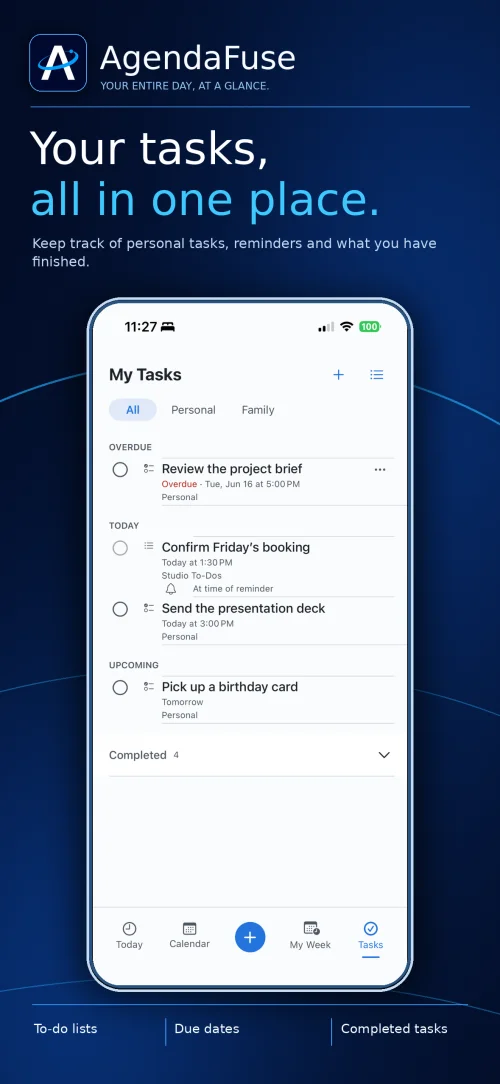
Keep personal tasks alongside reminders from the Apple Reminders lists you choose. Check due dates and see what’s left for today.
Block time for something once, start from a template, or set a repeating routine. Choose which activities count toward your schedule countdowns.
Apple Watch
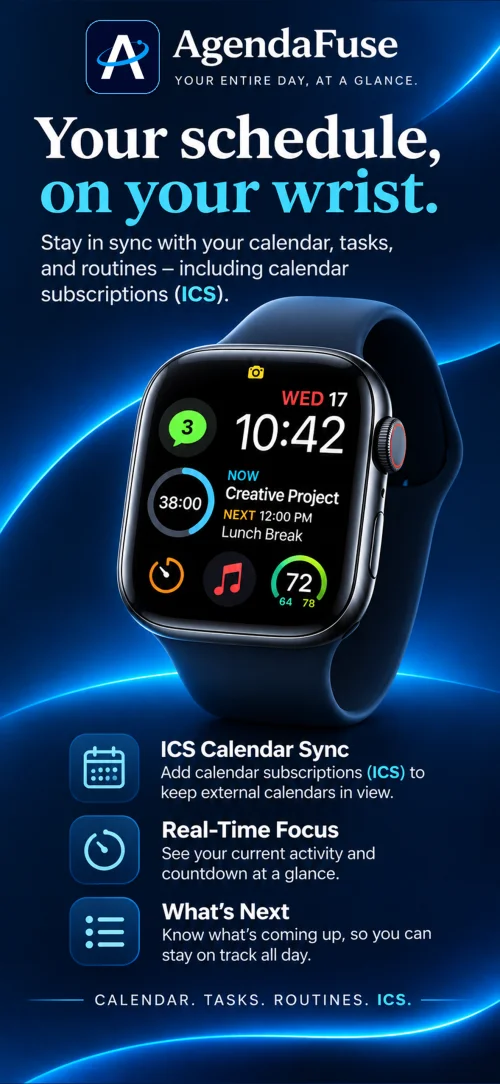
Check your current activity and see what’s coming up from the Apple Watch companion. Add the Full Status Ring to a compatible watch face for a countdown at a glance.
Set up AgendaFuse on Apple WatchAppearance
Coming Soon to the App Store. The download link will appear here when Version 1.0 launches.
AgendaFuse is available on the App Store. Go to the download link.
No. You can add AgendaFuse activities and personal tasks, import an ICS file, or subscribe to a supported calendar feed without granting Apple Calendar access.
An imported file is a snapshot. A subscription checks the feed for updates and keeps a saved copy so events remain available offline. See subscription setup.
Yes. Connect Apple Reminders in My Tasks and select the lists you want to see. Apple Reminders keeps the originals and manages its alerts and sharing.
Find setup guides or prepare feedback and a bug report.